WhatsApp Calls Not Working on Android? 8 Fixes That Work
WhatsApp calls not working on Android usually split into three symptoms, and the fastest fix starts with a 30-second diagnosis, not a reinstall. If a…

WhatsApp calls not working on Android usually split into three symptoms, and the fastest fix starts with a 30-second diagnosis, not a reinstall. If a…
WhatsApp calls not working on Android usually split into three symptoms, and the fastest fix starts with a 30-second diagnosis, not a reinstall. If a…
iPhone camera not working? Start with a 30-second diagnosis, not a reset. Open the Camera app and tap each zoom level — 0.5x, 1x, and…
Spotify not working on Android usually means one of three things: Spotify’s servers are down, your phone is blocking the app, or the app’s cache…
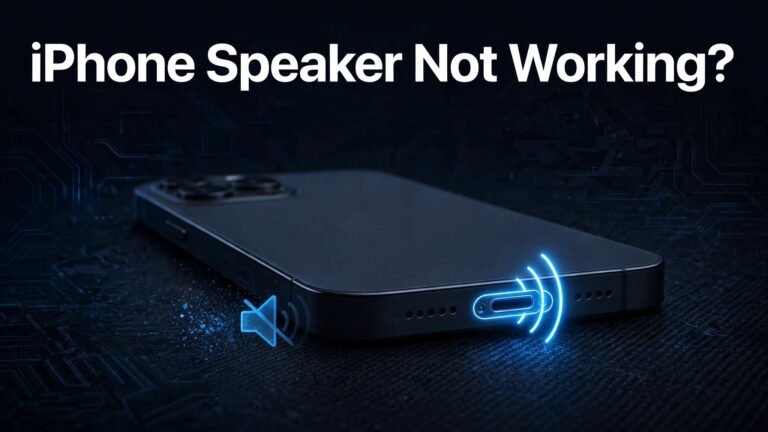
iPhone speaker not working? First work out which speaker you mean. Your iPhone has two: the earpiece at the top, held to your ear on…
A Windows 11 camera not working after an update usually lost a permission or a driver, not the hardware. Open the Camera app: 0xA00F4244 means…
Windows 11 microphone not working after update usually means it lost a permission, not a driver. Go to Settings > System > Sound, look under…
When the Windows 11 Settings app is not opening after an update, every normal fix is suddenly out of reach — Wi-Fi, display, accounts, and…
Laptop battery draining fast Windows 11: it rarely means the battery is dead. It usually means one app is eating power in the background, the…
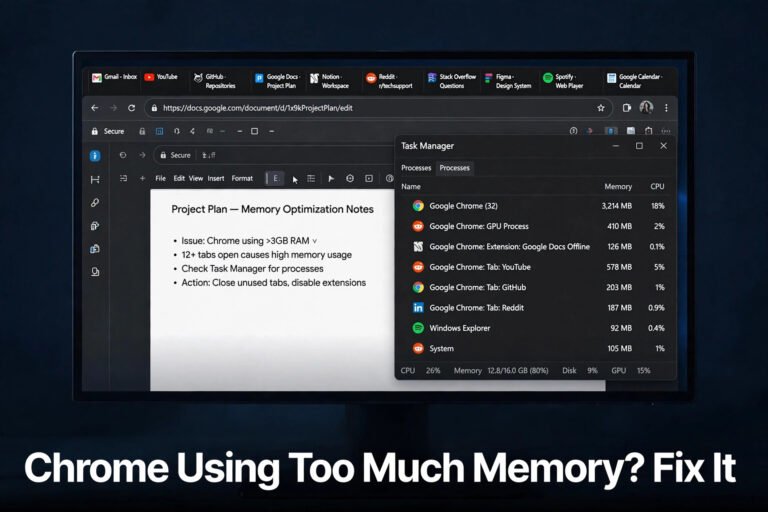
Quick Answer If you searched chrome using too much memory how to reduce, start by identifying the memory-heavy tab or extension in Chrome Task Manager,…
If gmail not receiving emails but can send describes your problem, your account isn’t broken — incoming mail is almost certainly being filtered, blocked, or…
Chrome running slow and eating your RAM? Open Chrome's hidden Task Manager, trim heavy extensions, and turn on Memory Saver — most PCs feel faster in minutes.
Stale browser cache causes broken pages and login glitches. Here's how to clear the cache in Chrome, Edge, and Firefox — exact steps, 30 seconds each.
Two-factor authentication blocks most account hacks. Set up 2FA on Google, Apple, Microsoft, and Facebook with an authenticator app — about 5 minutes each.
Phishing emails fool millions every year. Learn 9 red flags — fake senders, urgent threats, lying links — and exactly what to do if you already clicked.
Forget passwords you'll never remember. The passphrase method creates strong, memorable passwords — plus a simple password-manager setup that does the rest.
iPhone speaker not working? First work out which speaker you mean. Your iPhone has two: the earpiece at the top, held to your ear on…
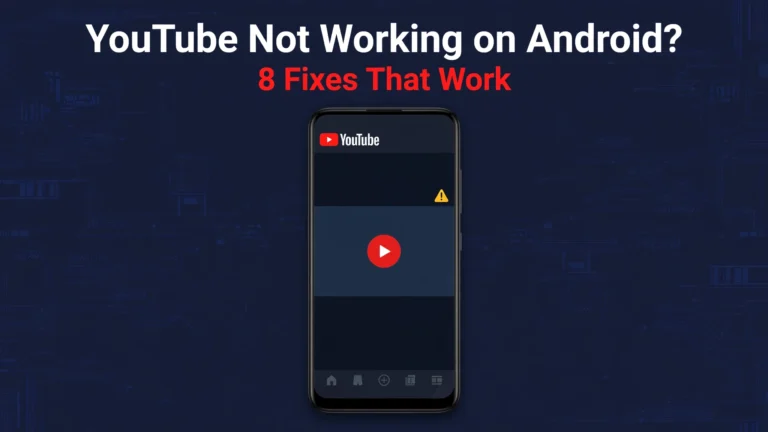
YouTube not working on Android, first work out which of three things is broken — the app, your connection, or YouTube itself. If the app…
When your iPhone touch screen is not working, first work out which symptom you have — each points at a different cause. A screen that…
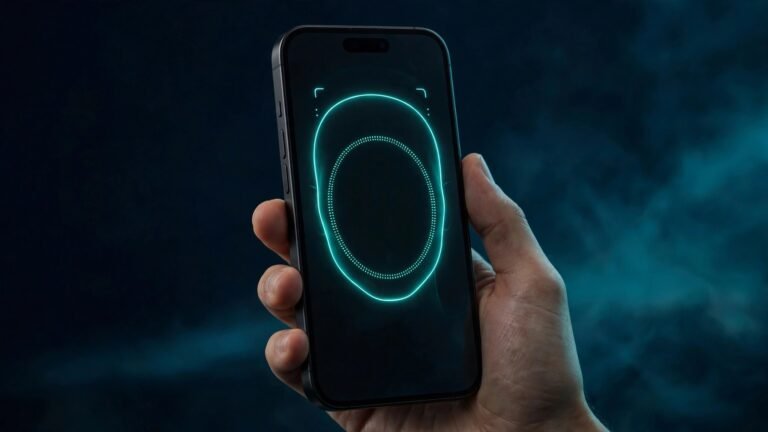
When iPhone Face ID stops working, first check what the phone is telling you. If it shows “Face ID is not available” or “A problem…
When your phone flashes “storage almost full”, things quietly start stopping: app updates fail, the camera refuses to save the next photo, and a system…
When an Android phone keeps restarting on its own, first ask whether it ever reaches the home screen. Restarts once or twice a day usually…

We share simple, step-by-step tech guides — fix Windows, Android, iPhone, Wi-Fi and browser problems with no jargon.
Our goal is to give you accurate, reliable, and up-to-date fixes that actually work.